NAVI // NAVIVIM
the in-terminal IDE.
Hand-rolled Neovim — no distro framework, just lazy.nvim and one file per feature. Navi's default editor.
Free and open source: xvoidsx/navivim.
What it is
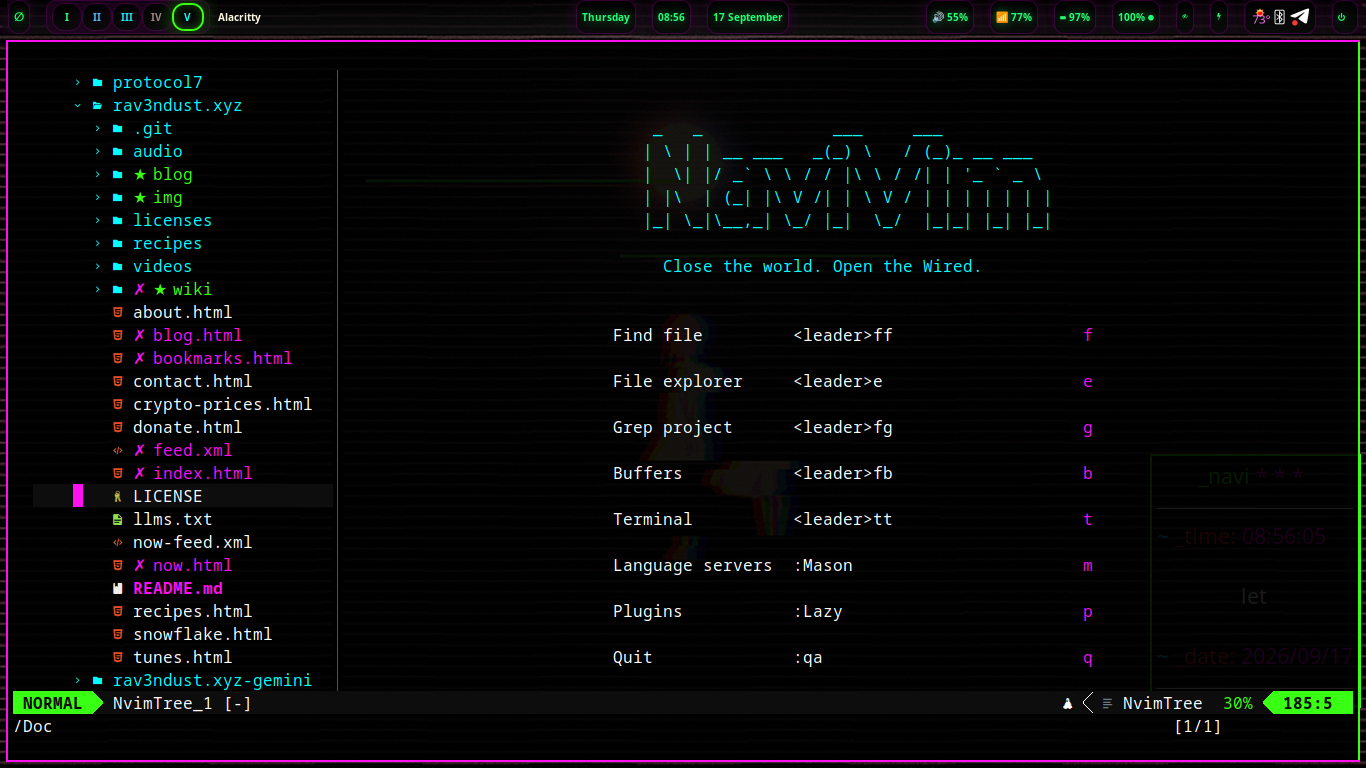
NaviVim is the in-terminal IDE for Navi Linux — hand-rolled Neovim, no distro framework. Just lazy.nvim and one file per feature. Its ambition is a premier, best-in-class Neovim experience that feels like a cohesive whole with the system it ships on.
- Welcoming, not dumbed down. Built for newcomers arriving from VSCode and veterans — discoverable over memorizable, with leader-key menus, which-key popups, and a tip of the day.
- Editor-first, tmux-enhanced. Fully usable standalone; shines inside tmux, and the two navigate as one.
- nightshadeNeon throughout. Neon pink, phosphor green, cyan on black — the house colorscheme, with transparency that actually works.
Leader is Space — tapped in sequence, never held. Stuck anywhere? Tap Space and wait half a second: a menu shows every shortcut available from there. You never have to memorize.
The 30-second tour
| Keys | What |
|---|---|
Ctrl+n / Space e | File explorer sidebar |
Space ua | Autocomplete on/off |
/ then Esc | Search in file, clear highlight |
Space ff / Space fg | Find files / grep project |
Space then wait | which-key shows everything |
Install
On a Debian base today; shipping as navi's default editor from the get-go in navi 1.5 “mika” — the NaviVim update.
git clone https://github.com/xvoidsx/navivim ~/NaviVim
cd ~/NaviVim
./install.sh              # full setup: apt deps, Neovim 0.11+, plugins
./install.sh --no-apt     # skip apt (deps already present)
./install.sh --system     # navi distro installer (as root): system-wide
                          # install, /etc/skel seed, default editor
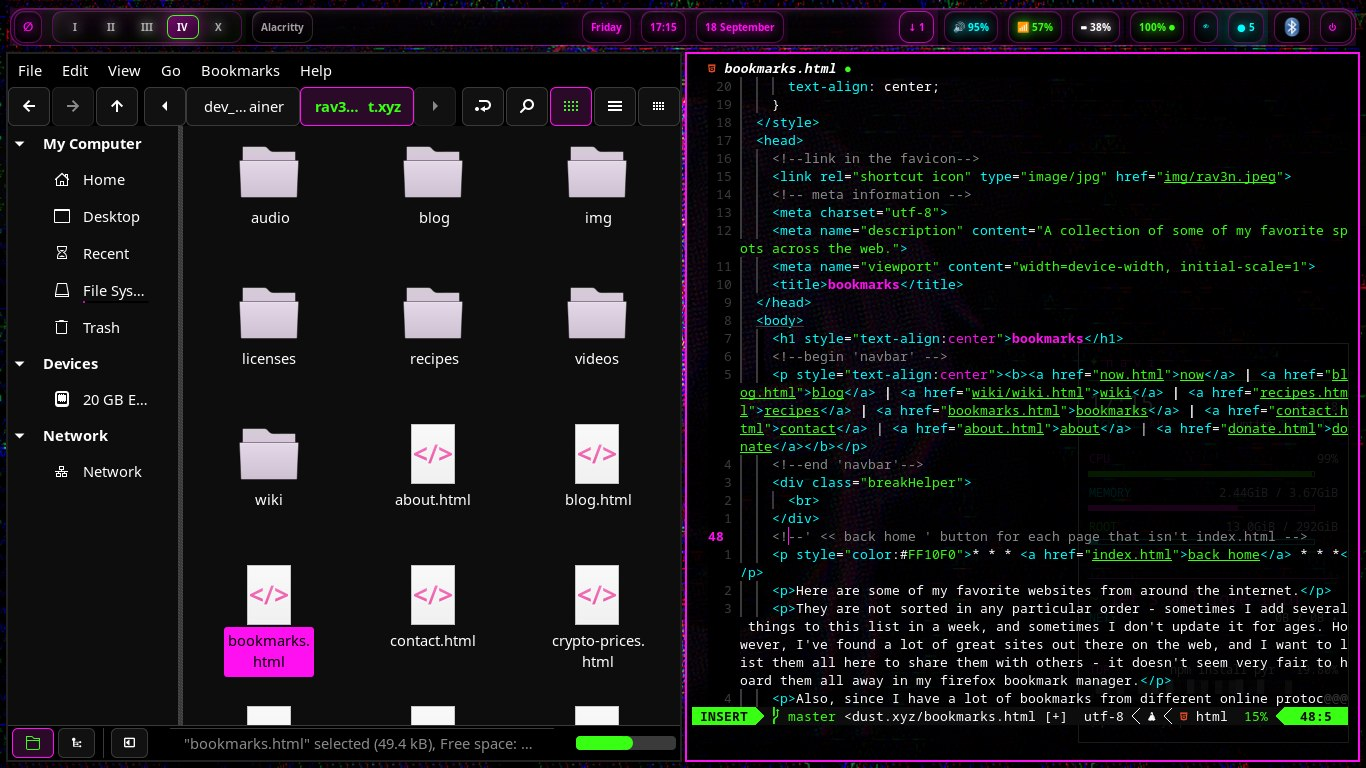
The script installs Neovim from the upstream release tarball (Debian stable's 0.10 is too old), links the repo to ~/.config/nvim, seeds the nightshadeNeon theme, and syncs plugins headlessly. Language servers and formatters install via :Mason on first launch.
One file per feature
No framework distro underneath — every plugin is chosen on purpose, each in its own lua/plugins/*.lua file: sidebar, completion, search, LSP, treesitter, UI, git, editing, terminal, theme. The whole config stays readable enough to learn from. Plugin versions are pinned in lazy-lock.json for reproducible builds.